Turn every
order into the next visit.

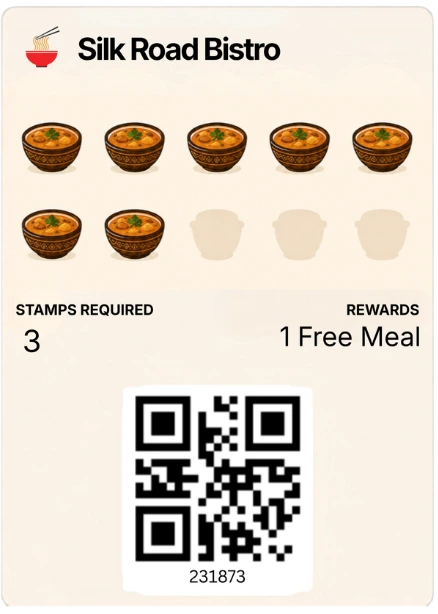
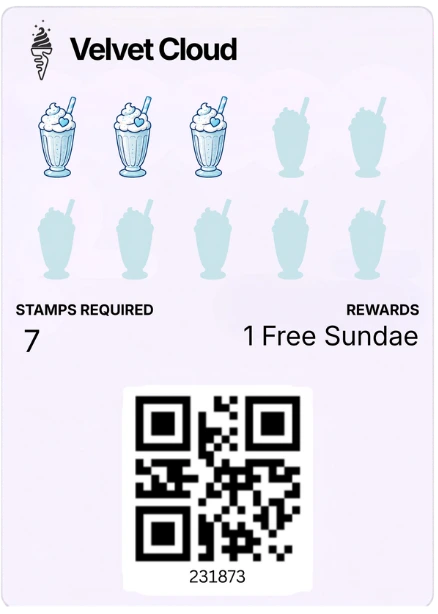
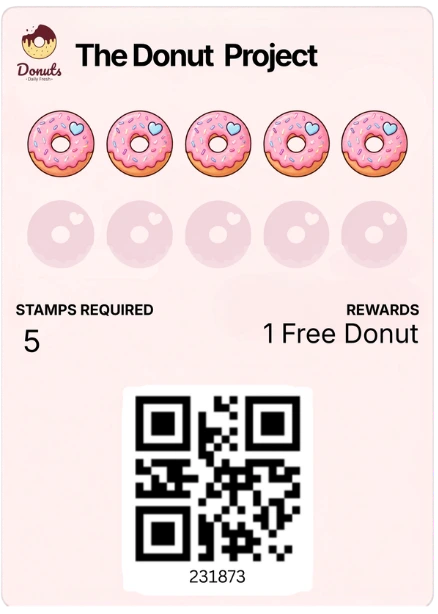
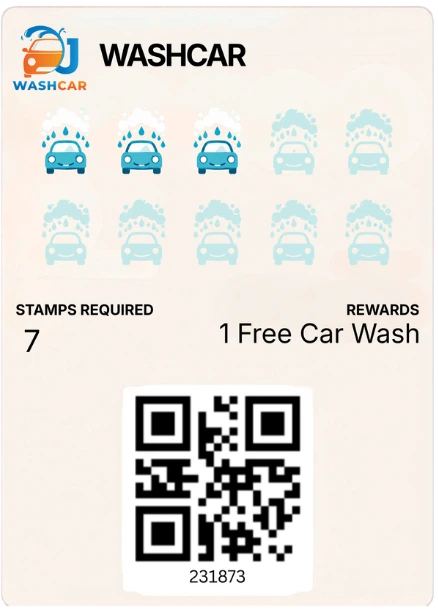
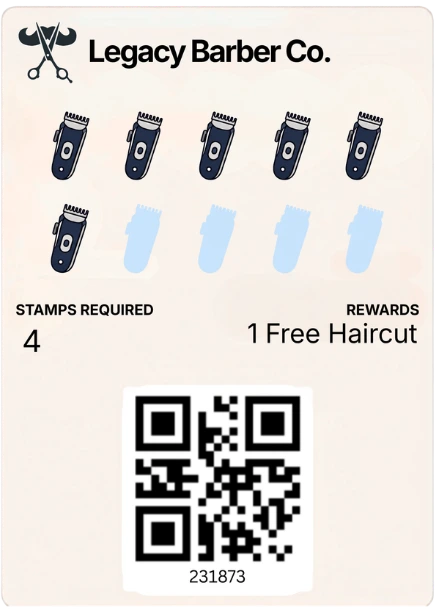
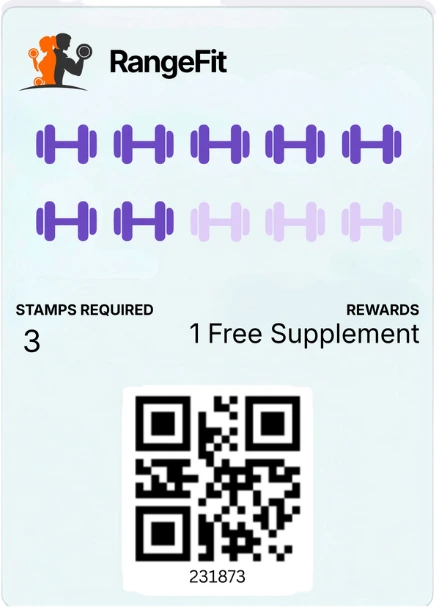
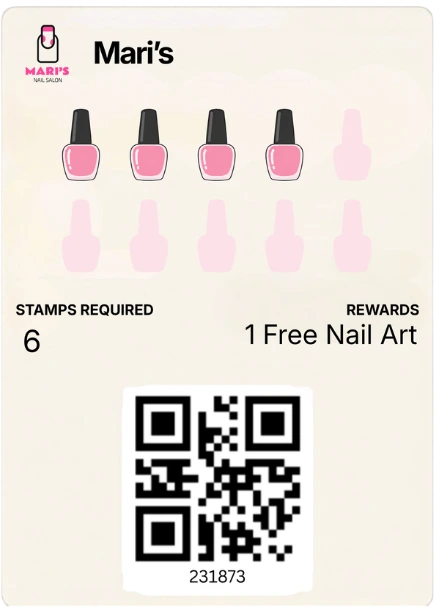
Launch a branded digital stamp card customers can save to their Apple or Google Wallets. Cashiers can add stamps and redeem rewards using the standalone Stamp Cards Staff App.

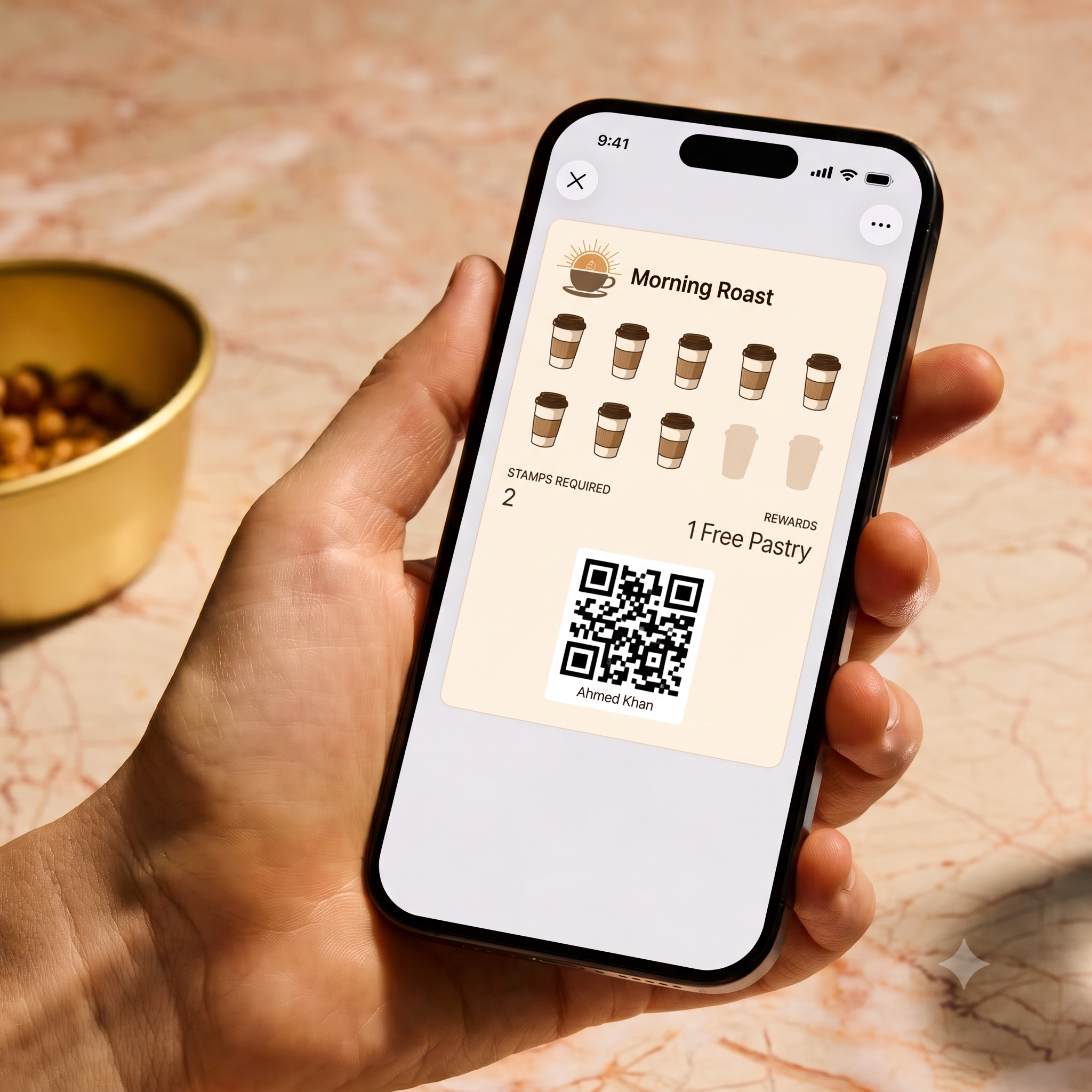
A customer holding a phone displaying a Morning Roast digital loyalty card
Stamp added
Add to Apple Wallet
Add to Google Wallet
Built for
  • Cafés
  • Bakeries
  • Takeaways
  • Quick Service
  • Fast Casual
  • Food Trucks
  • Restaurants
  • Multi-location Brands

Paper cards get lost. Loyalty apps get deleted.

Paper cards disappear

Customers lose them, wash them or forget them.

App downloads create friction

Customers do not want another app just to collect a reward.

Manual records are unreliable

Paper cards are difficult to verify, correct and manage consistently.

Generic programmes are hard to control

Restaurants need a clear way to manage stamps, rewards, staff access and customer eligibility.

Launch a programme customers will actually use.
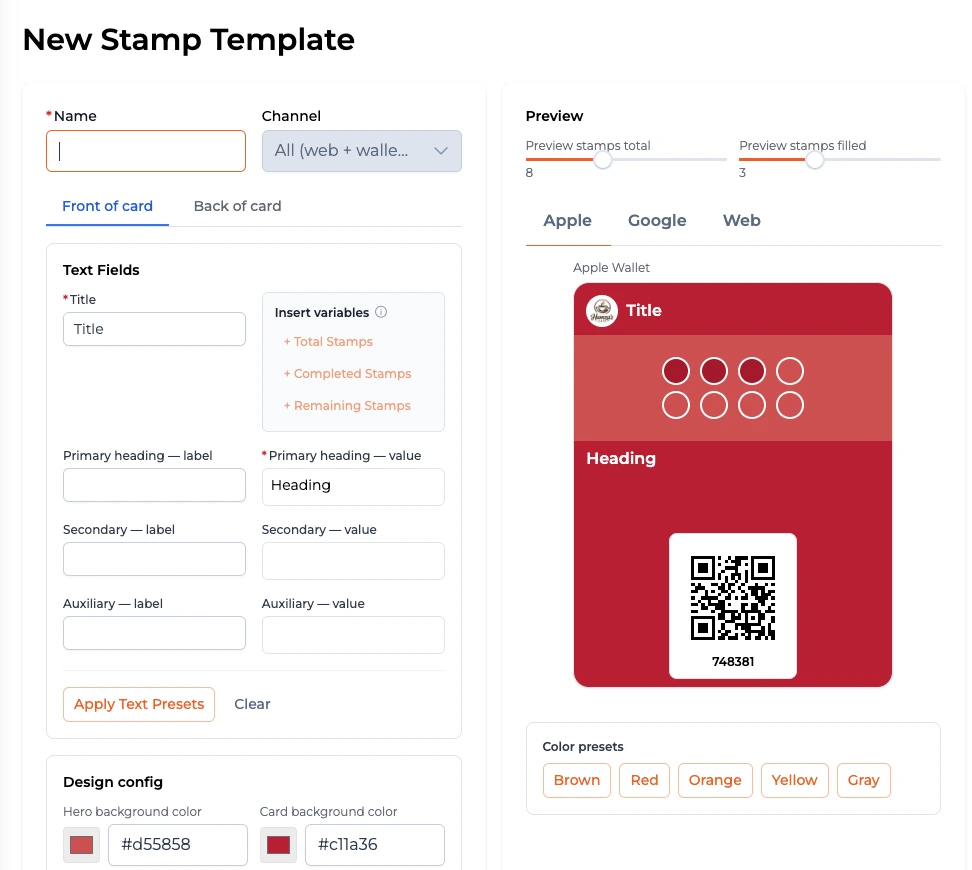
The Stamp Cards template builder, showing the card editor and a live Apple Wallet preview

A stamp card that looks likeyour brand.

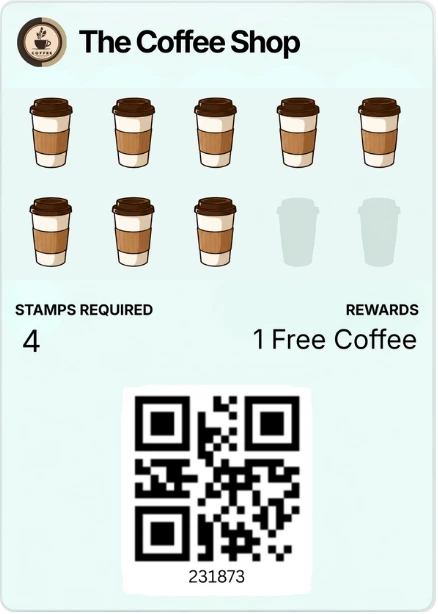
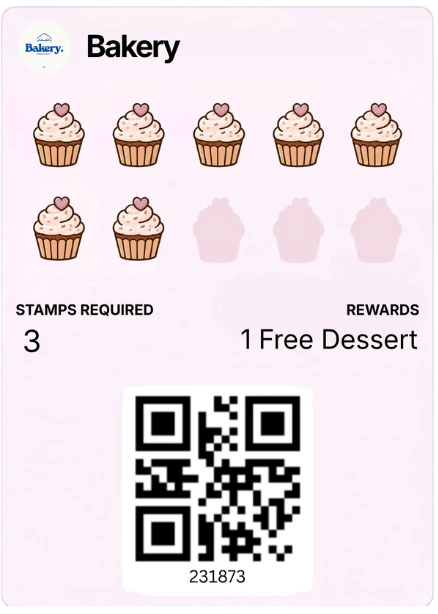
Customise the branding, stamp icons, rewards, progress and customer messaging around each programme.
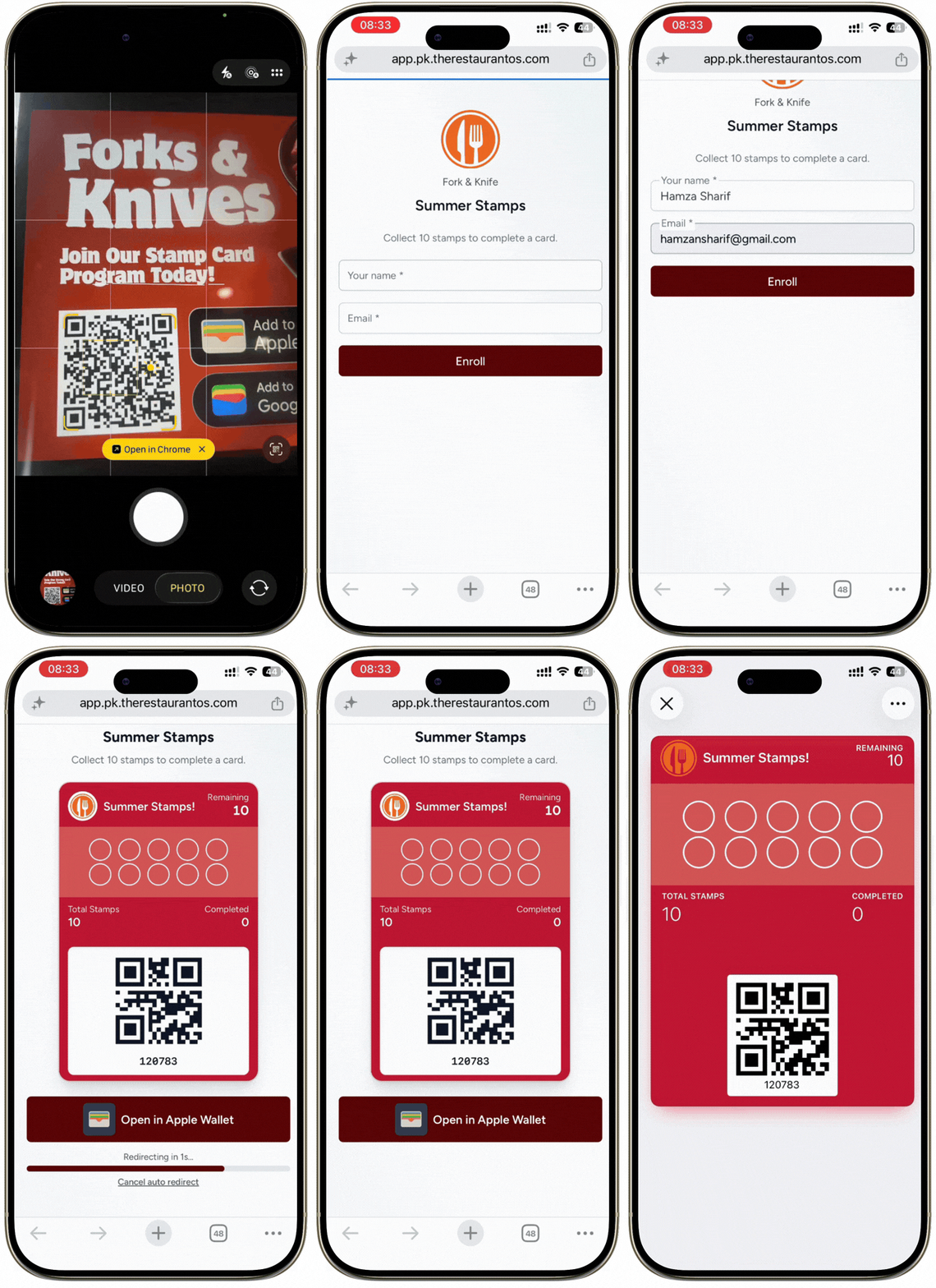
From QR scan to reward,
step by step.

1

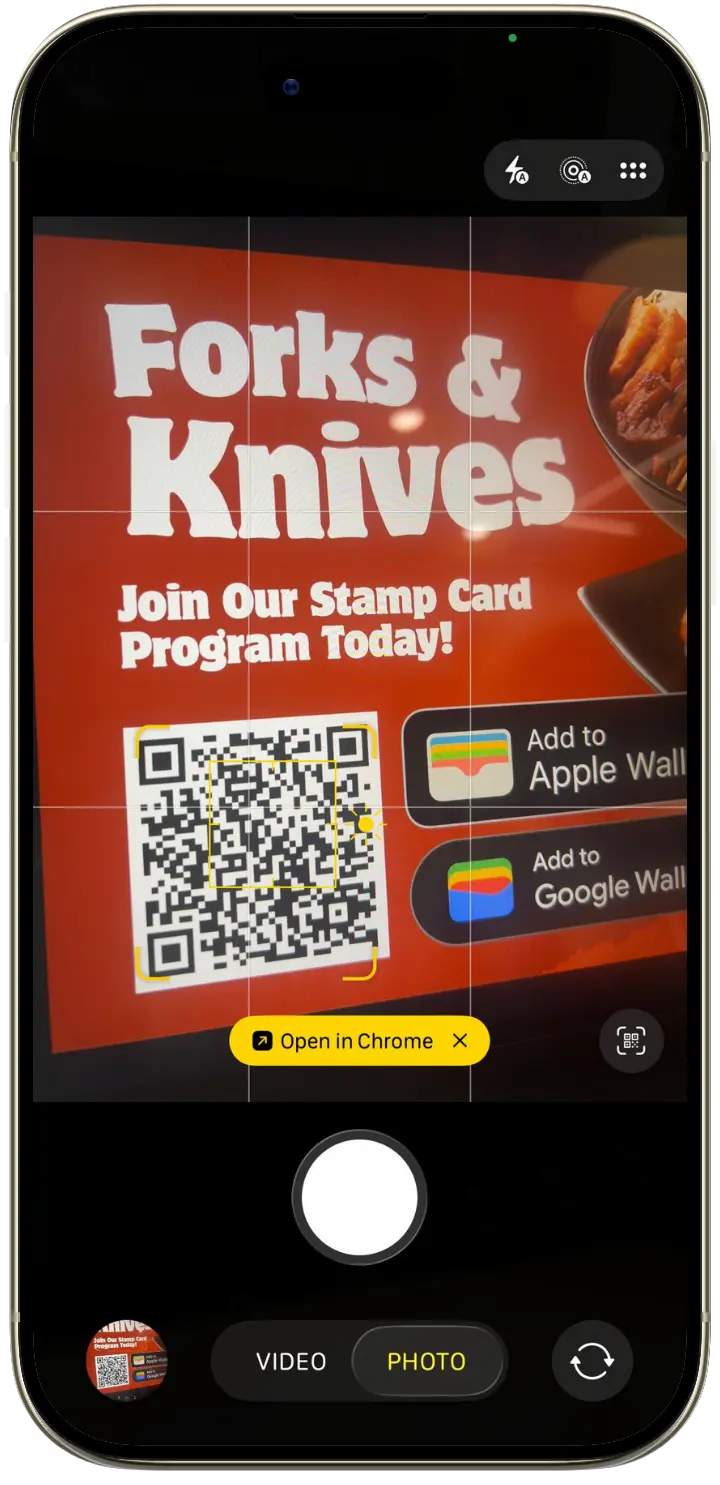
Scan the QR code

Customer scanning the restaurant stamp-card QR code

Scan the business’s stamp-card QR code.

2

Enter your details

Stamp-card programme enrolment form

Enter your name and email address to join the programme.

3

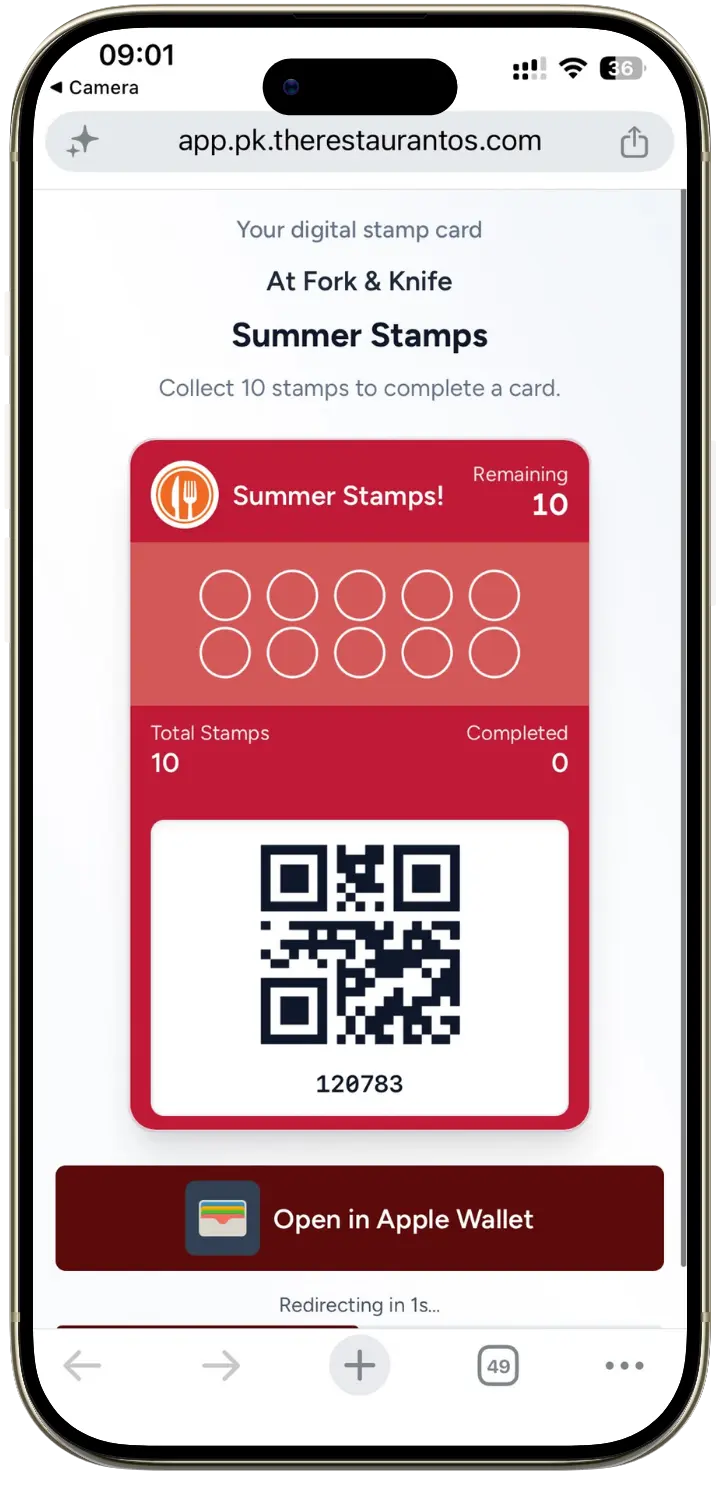
Save your card

Adding the stamp card to Apple Wallet

Add the digital stamp card to Apple Wallet or access it through your browser.

4

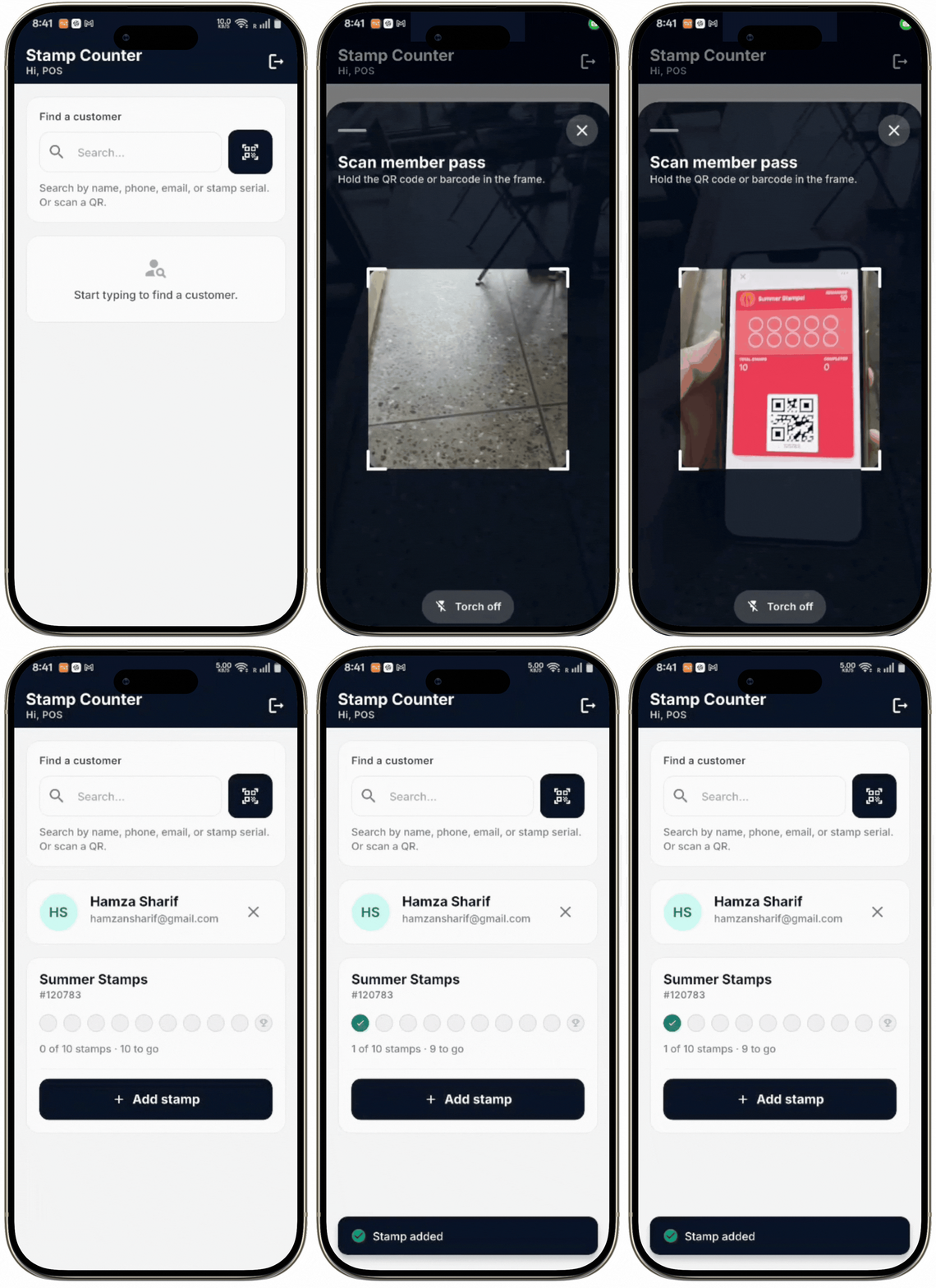
Present your card

Customer displaying their digital stamp card at the counter

Show the card’s QR code to the cashier when making a purchase.

5

Receive a stamp

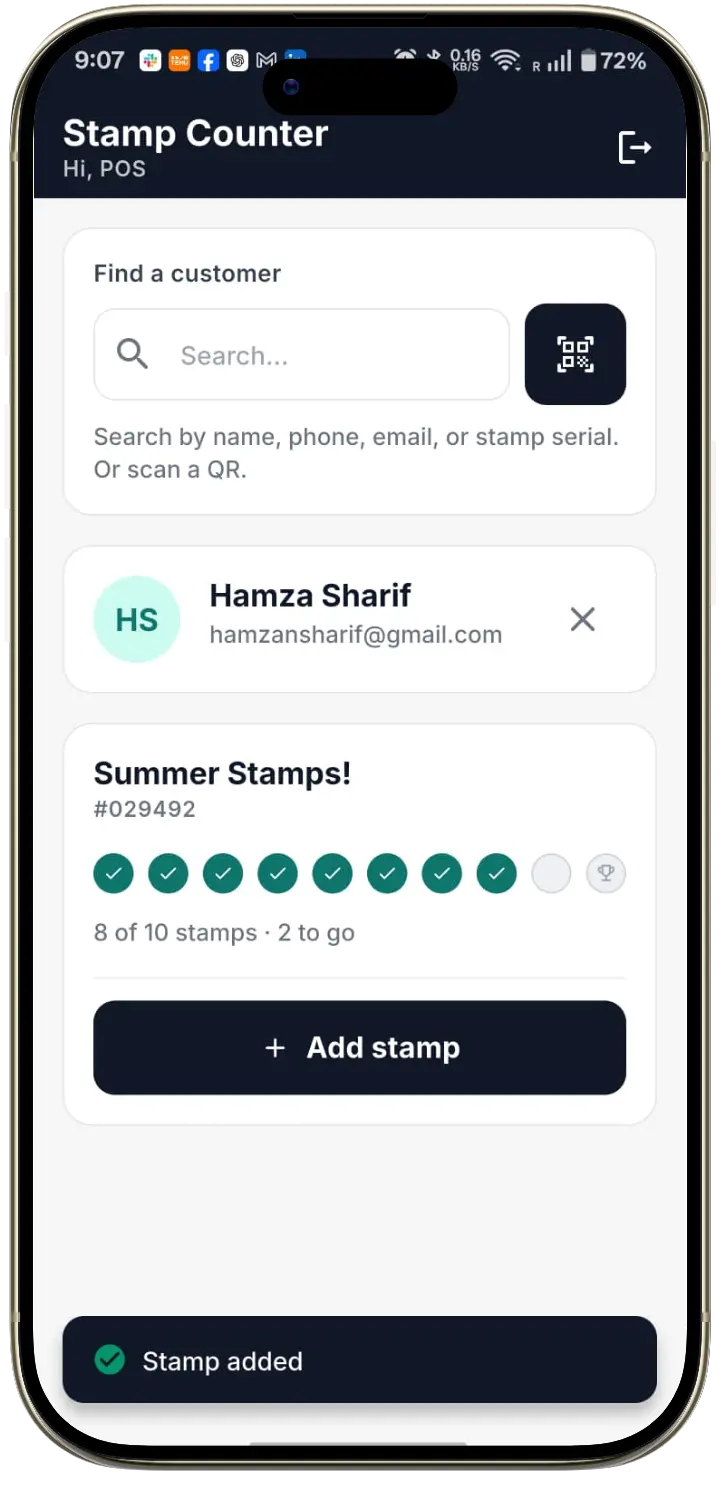
Cashier adding a customer stamp

The cashier scans your card or finds your profile in the Stamp Cards Staff App, then adds a stamp.

6

Track your progress

Updated digital stamp-card progress

Your card updates automatically to show your completed stamps and how many remain until your next reward.

7

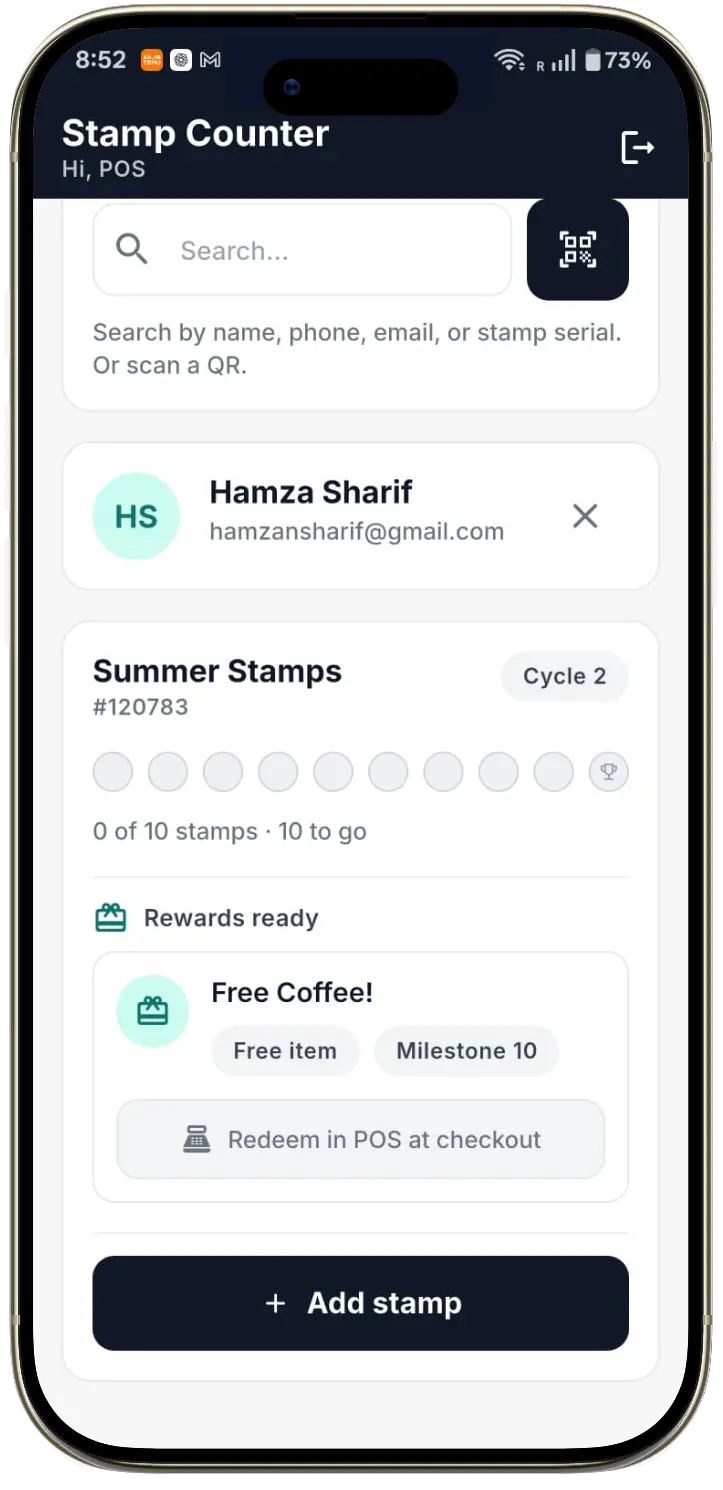
Redeem your reward

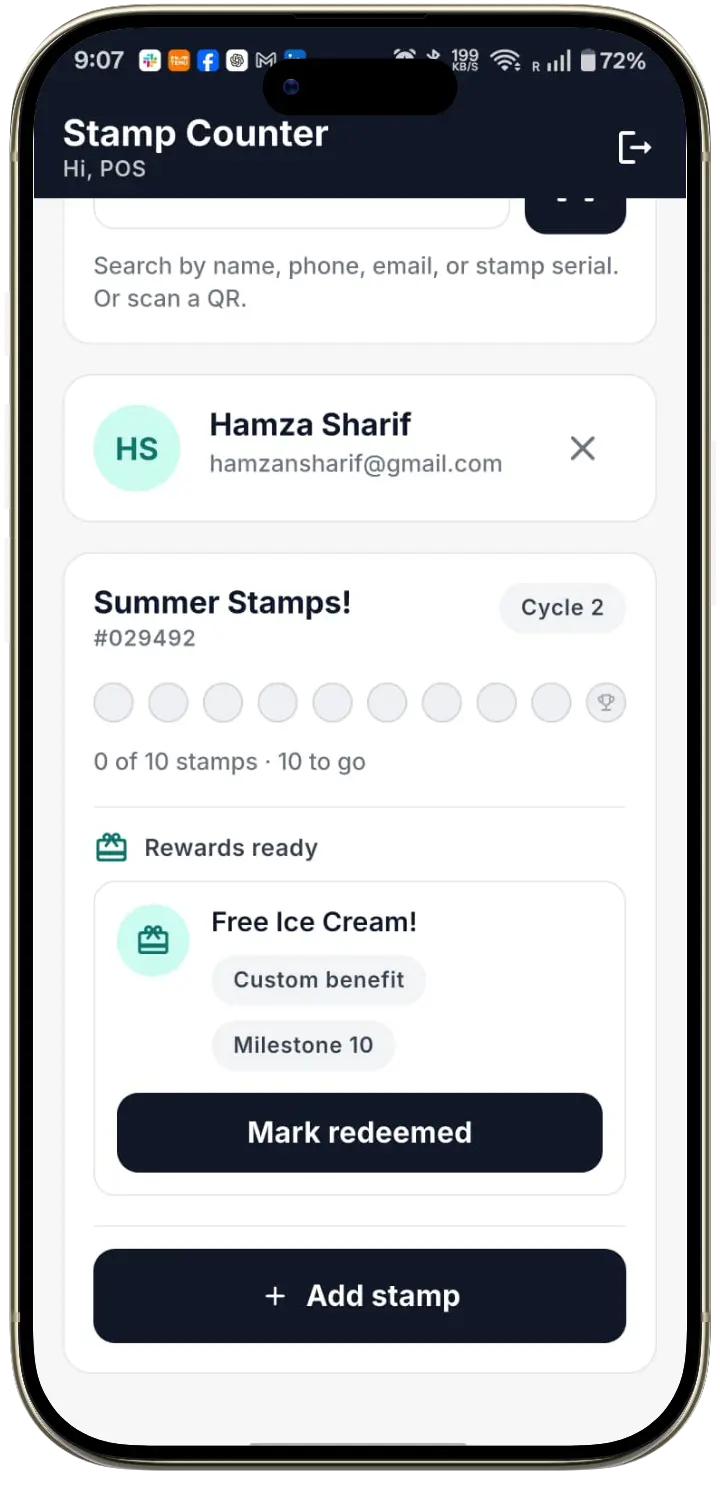
Cashier redeeming an available reward

Once a reward is available, present your card to the cashier, who verifies and marks the reward as redeemed in the Staff App.

Step 1 of 7: Scan the QR code

Everything cashiers need to manage stamps and rewards.

The Stamp Cards Staff App gives authorised cashiers a fast, controlled way to find customers, update stamps and verify rewards.

Scan or search

Scan a customer QR code or find the customer by phone number or name.

Add stamps

Add one or more stamps with a recorded staff action.

Check eligibility

See immediately whether the customer has unlocked a reward.

Redeem rewards

Mark an eligible reward as redeemed and record the cashier, location and time.

Get the Stamp Cards Staff App on Google Play Secure staff access
Stamp Cards Staff App showing a cashier adding a customer stamp
Stamp added!
Reward redeemed!

Give customers reasons to keep coming back.

Stamp 1 — Welcome: A welcome reward the moment they join.

Stamp-card message

Happy birthday! A free treat is waiting.

Customer notification

Your birthday reward is ready to redeem.

Eligibility rule

Available when the saved birthday falls within the configured reward window.

Date range

Birthday ± 3 days

Target segment

Members with a saved birthday

Understand how customers engage with your programme.

Understand programme activityTrack enrolments, stamp activity, rewards and redemption rate.

Find customers with no recent activitySee which members haven't had a stamp added or removed in a while.

Compare locations and staff activityUnderstand branch performance and stamp actions by staff member.

Programme metrics Last 30 days
2,184
Total members
146
New members
1,340
Active members
5,320
Stamps added
48
Stamps removed
214
Rewards unlocked
187
Rewards redeemed
87%
Redemption rate
6
Active programmes
92
No recent stamp activity
Location & staff activity

Location comparison

Riverside42%
Downtown31%
Harbourside18%
Uptown9%

Staff activity

J. Rivera214 actions
A. Khan168 actions
S. Malik122 actions
Top programme
Daily Brew — Collect 7, get the 8th free
Top location
Riverside

Every card, stamp and reward in one customer record.

Understand each customer's relationship with your programme, not only the number of stamps on their card.

SM
Sarah Mitchell
sarah.m@email.com
+1 415 555 0142
Active Last stamp activity: 2 days ago
Location
Riverside
Join date
Jan 12, 2026
Communication
Email + SMS

Staff note

"Regular weekday visitor. Prefers oat milk."

RegularWeekday mornings
34
Total stamps earned
1
Stamps removed
3
Rewards redeemed
2
Programmes joined

Active cards · current progress

Daily Brew
6 of 8 stamps

Available rewards

1 reward ready to redeem

Programme history

  • Joined Daily BrewJan 12
  • Joined Matcha RoomMay 3

Staff activity

  • Stamp added — J. RiveraJul 28
  • Reward redeemed — S. MalikJul 15
  • Stamp removed — A. KhanJul 3

The complete digital stamp‑card toolkit.

Programme design

Configure exactly how a stamp is earned and what it unlocks.

Branding

Logo + colors

Stamp icon

Cup

Custom rewards

2 active
Stamp targetsReward setupExpiry rules

Customer experience

A card customers can save and use in seconds.

Add to Apple WalletAdd to Google Wallet
Wallet enrolmentLive card updates

Staff operations

Everything a cashier needs at the counter.

Add stamp Remove stamp Redeem reward
Customer searchManage stampsRedeem rewards

Customer management

One record for every customer and card.

SM

Sarah Mitchell

6 of 8 stamps · Active

JL

Jason Lee

3 of 8 stamps · Returning

AP

Ayesha Patel

1 of 8 stamps · New member

Card historyCustomer tagsNotes

Frequently asked questions

Launch your digital stamp card for 30 days.

Create your branded card, invite your team and start managing customer stamps and rewards through the Staff App.
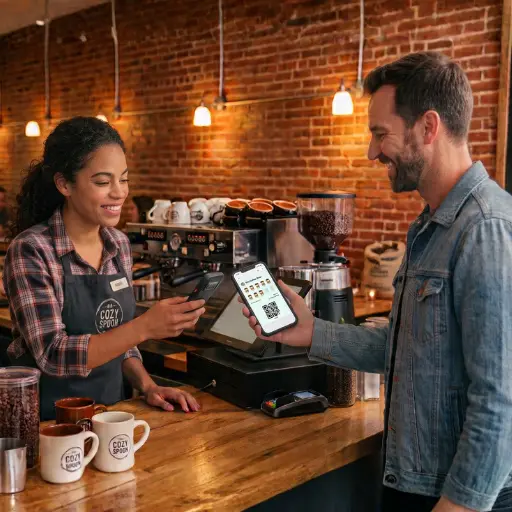
Cashier scanning a customer card in the Stamp Cards Staff App